Chamberlain Error Codes
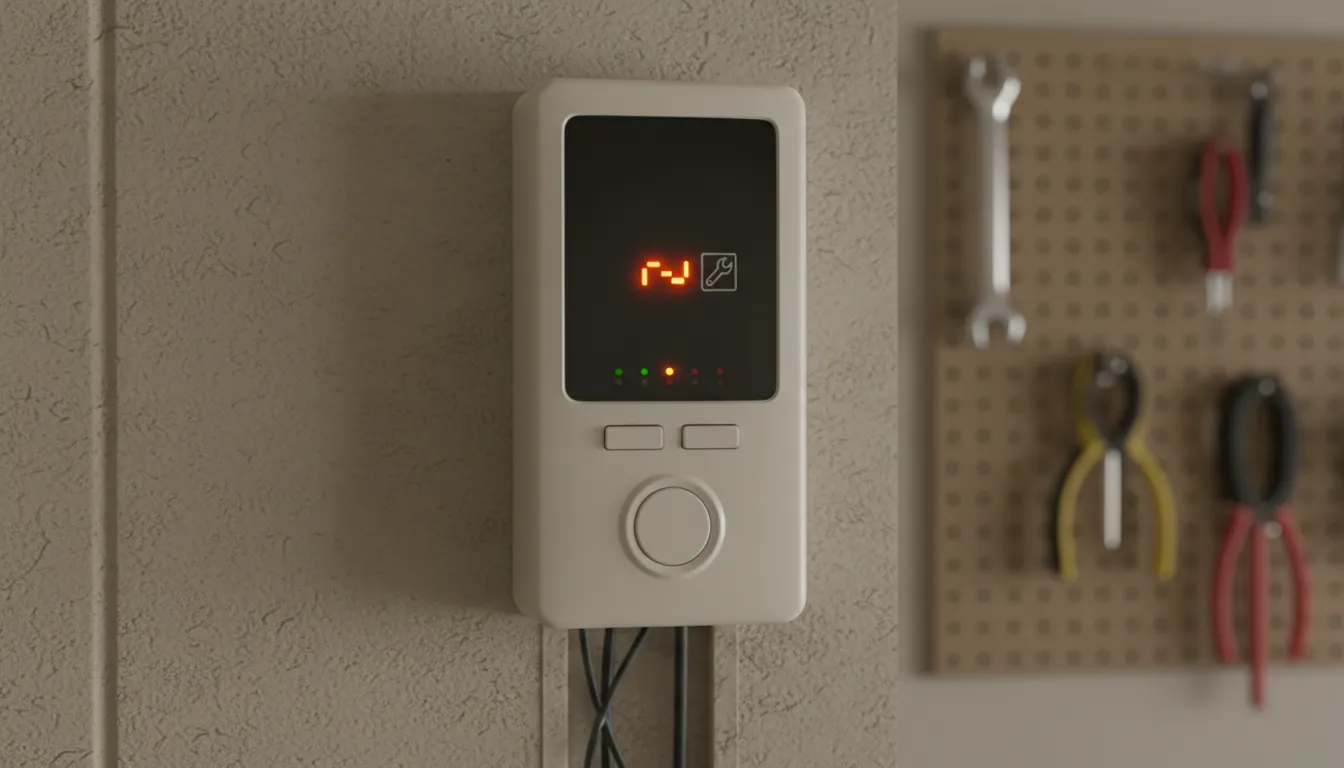
Chamberlain openers communicate problems through blinking lights and MyQ app notifications. Here's what each code means. For general troubleshooting that applies to all opener brands, see our complete won't close guide. Have a LiftMaster? See our LiftMaster troubleshooting guide.
| Code | Meaning | Solution |
|---|---|---|
| 10 Blinks | Safety sensor issue | Align sensors, clean lenses |
| 4-5 Blinks | Sensor wiring problem | Check wire connections |
| 1-2 Blinks | Motor overload | Wait 15 min, check balance |
| 6 Blinks | Travel limits incorrect | Adjust down limit |
| Up Arrow (MyQ) | Door opened unexpectedly | Check for interference |
How to Reset Your Chamberlain Opener
Basic Reset (Try First)
1
Unplug the opener from the ceiling outlet
2
Wait 30 seconds
3
Plug back in and test the door
Full Factory Reset
1
Locate the Learn button on your opener (usually purple, yellow, or orange)
2
Press and hold the Learn button for 10+ seconds until the LED turns off
3
All programmed remotes and settings are now cleared
4
Reprogram your remotes and MyQ connection
Note for B-Series (B6765, B4655, B2405): These models have the Learn button under a removable cover on the back of the motor unit. You may need to remove the light lens to access it.
Fixing Chamberlain Sensors
Chamberlain sensors use two LEDs to indicate status:
- Sending sensor: Green LED should be solid ON
- Receiving sensor: Amber or green LED should be solid ON when aligned
If either LED is blinking or off, follow these steps:
- Clean both lenses with a soft, dry cloth
- Check for obstructions in the beam path (4-6" off ground)
- Loosen the wing nut on the receiving sensor
- Gently adjust angle until LED turns solid
- Tighten mounting while maintaining alignment
- Test by pressing wall button
MyQ-Specific Issues
If your Chamberlain has MyQ and won't close through the app:
- Check WiFi connection: In the MyQ app, verify the opener shows as "Online"
- Power cycle: Unplug opener for 30 seconds, then reconnect
- Router check: Ensure 2.4GHz WiFi is working (MyQ doesn't use 5GHz)
- App update: Update the MyQ app to the latest version
- Re-pair device: Delete and re-add the opener in the app
Model-Specific Solutions
B6765 (Belt Drive with Battery Backup)
- If battery backup is depleted, the opener may behave erratically. Charge fully or disconnect battery to test.
- Battery LED on motor shows charge status—if flashing, battery needs charging.
B4655 (Mid-Range Belt Drive)
- Most common issue: WiFi antenna interference from LED lights. Try turning off garage lights during troubleshooting.
C450/C410 (Chain Drive)
- Chain tension affects smooth operation. If door jerks or reverses, check chain slack (should be about 1/2" below rail).
When to Call a Technician
- Door reverses immediately after starting to close (not sensor-related)
- Grinding or clicking noises from the motor
- Door only partially closes then reverses
- Remote and wall button both fail
- Motor runs but door doesn't move
- Visible damage to gears or drive mechanism
Frequently Asked Questions
How do I reset my Chamberlain garage door opener?
To reset a Chamberlain opener: 1) Unplug the unit for 30 seconds, then plug back in. 2) For a full reset, press and hold the Learn button for 10+ seconds until the LED turns off. This clears all programmed remotes and settings. You'll need to reprogram remotes after a full reset.
Why does my Chamberlain blink 10 times?
10 blinks on a Chamberlain opener indicates the safety sensors are misaligned, blocked, or have a wiring issue. Check that both sensor LEDs are solid (sending = green, receiving = amber/green). Clean the lenses and ensure nothing is blocking the invisible beam path.
Where is the Learn button on my Chamberlain?
On most Chamberlain models, the Learn button is on the back of the motor unit, sometimes behind a removable cover or light lens. It's a small square button, typically purple, yellow, or orange colored depending on the model series.
Why won't my Chamberlain close with MyQ but closes with wall button?
If the wall button works but MyQ doesn't, it's a connectivity issue—not a door problem. Check that the opener is online in the MyQ app, verify your WiFi is working, and try power cycling the opener. You may need to re-pair the device in the app.
Need Chamberlain Repair in Toronto?
We service all Chamberlain models with same-day availability across Toronto & GTA. Book online.
437-265-9995Chamberlain repair from $120 | Full pricing