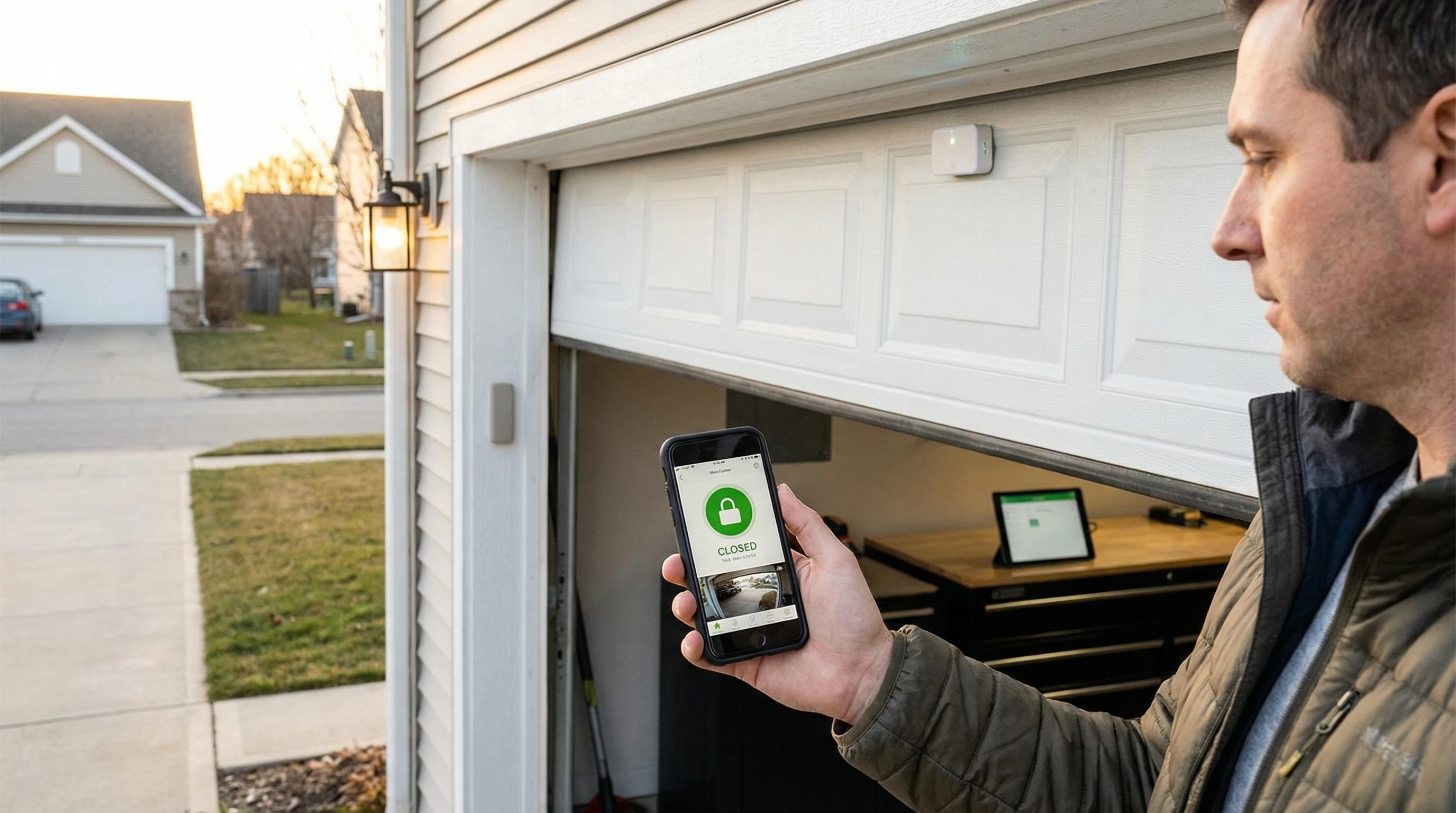
The LiftMaster 829LM is an in-home wireless monitor that shows whether your garage door is open or closed via a small LED display — it does not connect to Wi-Fi or your phone. If your 829LM is not connecting or blinking, the fix is almost always a re-sync with the Learn button on your opener. The unit requires a compatible LiftMaster or Chamberlain opener with Security+ or Security+ 2.0 (yellow or purple Learn button). If you want supported phone monitoring, Royal Garage Doors supplies and installs a full smart/myQ opener from $760; the separate hub retrofit is discontinued.
What Is the LiftMaster 829LM?
The LiftMaster 829LM (also sold as the Chamberlain CLSS1 in some markets) is a wireless garage door status monitor designed to be placed inside your home — on a nightstand, kitchen counter, or wherever is convenient. It wirelessly communicates with your compatible LiftMaster or Chamberlain garage door opener using the Security+ or Security+ 2.0 radio protocol (315 MHz / 390 MHz). The unit shows a green LED when the door is closed and a red LED when the door is open. It does not use Wi-Fi, Bluetooth, or the internet.
The LiftMaster 829LM is one of the most asked-about accessories we encounter at Royal Garage Doors. Toronto homeowners love the convenience of knowing the garage door status without walking to check — but the unit's setup and troubleshooting isn't always intuitive. This guide covers every common 829LM problem with step-by-step fixes.
829LM LED Status Guide
Understanding what the 829LM's LED is telling you is the first step in troubleshooting.
| LED Status | Meaning | Action |
|---|---|---|
| Solid Green | Connected — door is CLOSED | Normal operation |
| Solid Red | Connected — door is OPEN | Normal operation (door open) |
| Slow blink (green) | Searching for opener signal | Move monitor closer; re-sync if persists |
| Fast blinking | Sync error / out of range | Perform full re-sync procedure |
| No LED at all | No power | Check batteries or AC adapter connection |
| Alternating red/green | Unit lost sync after power interruption | Re-sync with opener Learn button |
How to Re-Sync the 829LM (Step-by-Step)
The most common fix for all 829LM connection issues is a complete re-sync. Follow these steps exactly:
Clear the 829LM Memory
On the back or bottom of the 829LM unit, find the small program button. Press and hold it for approximately 6 seconds until the LED turns off completely. This erases any previously stored opener codes from the unit's memory.
Locate the Learn Button on Your Opener
Go into your garage and look at the back panel of the opener motor unit (the box mounted on the ceiling). Find the Learn button — it should be near the antenna wire. Yellow or orange Learn button = Security+. Purple Learn button = Security+ 2.0. Both are compatible with the 829LM. Green or red Learn button = older system, NOT compatible with 829LM.
Press the Learn Button
Press and release (do not hold) the Learn button on the opener. A small LED on the opener near the Learn button will light up — you now have 30 seconds to complete the next step. Do not press Learn again during this window.
Press the 829LM Program Button
Within those 30 seconds, press and release the program button on the 829LM monitor once. The opener light should flash or click to confirm it received the signal from the monitor. This confirms pairing was successful.
Test the Monitor
Open and close the garage door using your standard remote or wall button. The 829LM should switch from green (closed) to red (open) and back. If it does, the sync is complete. If not, repeat the process — the most common mistake is taking more than 30 seconds between pressing the Learn button and the monitor button.
Common 829LM Problems and Fixes
Problem: Monitor Won't Connect After Multiple Re-Sync Attempts
Likely cause: Incompatible opener. Check your opener's Learn button color — if it's green or red, your opener uses an older wireless protocol that the 829LM does not support.
Fix: Verify compatibility. If your opener is from before 2010, you may need to upgrade the opener to a Security+ compatible unit, or use a different monitoring solution.
Problem: Monitor Shows Red (Open) When Door Is Closed
Likely cause: The monitor lost sync — it "remembers" the door was last open but didn't receive the "door closed" signal.
Fix: Open the garage door fully, then close it — this gives the opener a complete cycle to re-broadcast the status. If the monitor still shows incorrect status, perform a full re-sync.
Problem: Monitor Works But Loses Connection After a Few Days
Likely cause: Marginal signal range, power fluctuations affecting the opener, or radio frequency interference (neighbours' remote controls, other 315 MHz devices).
Fix: Move the monitor closer to the garage. Check if the opener's antenna wire is fully extended and hanging freely (not coiled against the motor housing). If interference is suspected from a neighbouring opener, changing the opener's rolling code can sometimes help — consult the manual or call us.
Problem: No LED at All — Unit Won't Power On
If battery-powered: Replace with fresh AA or AAA batteries (check the compartment for correct size). The 829LM can use either a plug-in AC adapter or batteries depending on model version.
If AC-powered: Check the power adapter is fully seated in the unit and the outlet is live. Try a different outlet.
Problem: Opener Learn Button Doesn't Light Up When Pressed
Likely cause: The opener itself has lost power, or the Learn button LED has burned out.
Fix: Check the opener's power connection and circuit breaker. If the opener operates normally via remote and wall button but the Learn button LED is dead, the sync may still work — try the re-sync procedure anyway. If the opener doesn't operate at all, call Royal Garage Doors at 437-265-9995.
829LM vs MyQ: Which Do You Actually Need?
| Feature | 829LM Monitor | Full Smart/MyQ Opener |
|---|---|---|
| Shows door status at home | Yes (LED light) | Yes (app + notifications) |
| Remote monitoring via phone | No | Yes (anywhere in world) |
| Can close door remotely | No | Yes (via app) |
| Push notifications | No | Yes (door left open alerts) |
| Wi-Fi required | No | Yes |
| Price | ~$30-$50 | From $760 supplied + installed |
| Subscription cost | None | MyQ is free (as of 2026) |
| Best for | Quick in-home status check | Full remote monitoring and control |
Recommendation for Toronto Homeowners
If your primary need is to check "did I leave the garage door open?" before bed without going downstairs, an existing compatible 829LM remains useful. If you want supported remote phone access, choose a full smart/myQ opener from $760 supplied and installed. The separate myQ hub retrofit is discontinued.
Alternatives to the 829LM
If the 829LM doesn't suit your needs, or your opener isn't compatible, here are alternatives available in Canada:
Legacy LiftMaster MyQ Internet Gateway (828LM)
The 828LM is legacy equipment that some customers already own. Royal Garage Doors does not sell or install this discontinued retrofit; for supported phone-based control, we supply and install a full smart/myQ opener from $760.
Chamberlain myQ Smart Garage Universal
This discontinued door-sensor retrofit may still be present on existing systems, but Royal Garage Doors no longer sells or installs it. Our supported app-control option is a full smart/myQ opener from $760 supplied and installed.
Govee or Similar Bluetooth/Wi-Fi Door Sensors
Third-party smart home sensors that mount on the garage door and connect to your home Wi-Fi or smart hub. Compatible with Google Home, Amazon Alexa, and Apple HomeKit depending on model. Price: $15-$40 per sensor. Not integrated with the opener's roller/reversal system — status only, no remote open/close.
Garage Opener Issues Beyond the Monitor?
If your garage door opener itself is malfunctioning — not responding to remotes, grinding, reversing unexpectedly — Royal Garage Doors provides same-day opener repair across Toronto and GTA. FREE service call with any repair.
Call 437-265-9995