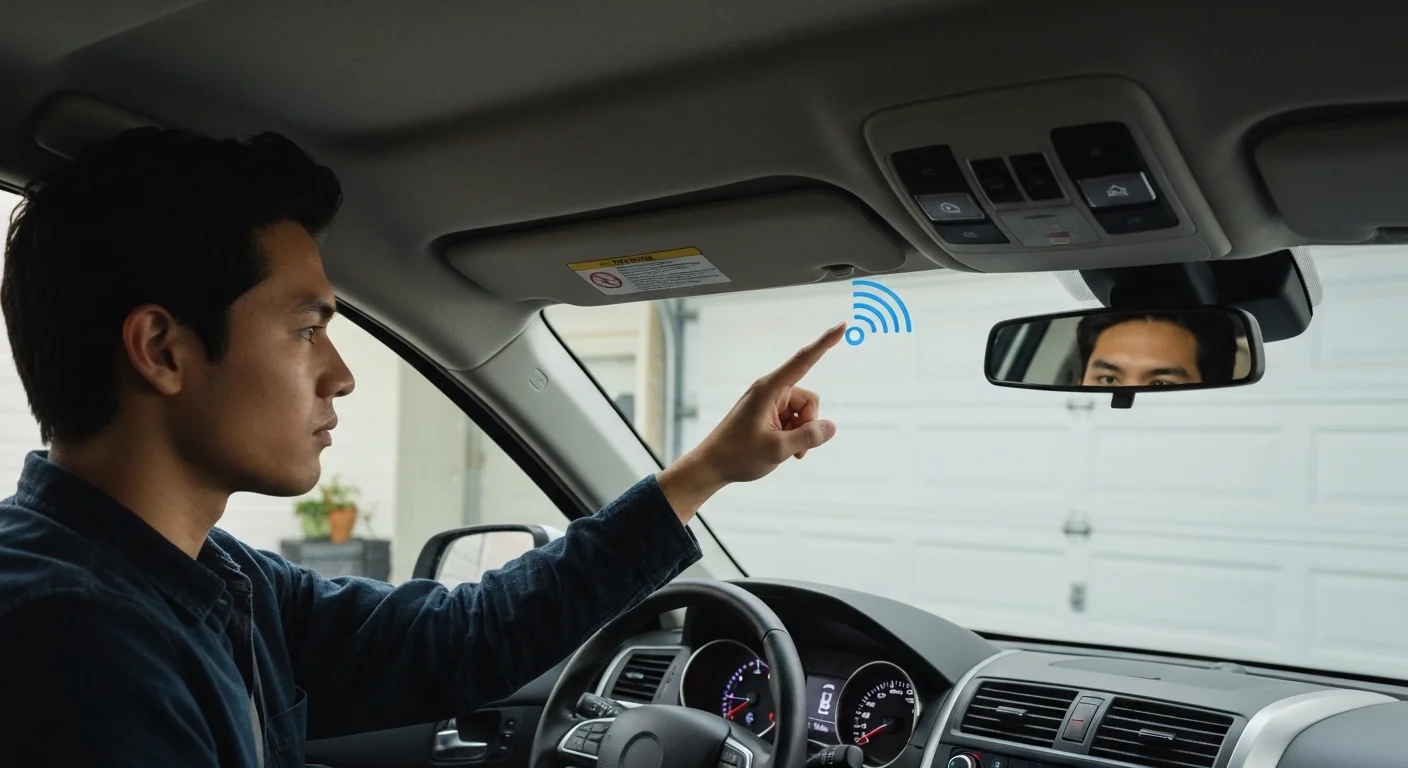
To program HomeLink without the original remote: press the LEARN button on your opener motor head (it will flash or beep), then immediately press and hold the HomeLink button in your car for 3–5 seconds until the HomeLink indicator flashes rapidly. For Security+ 2.0 (LiftMaster/Chamberlain) openers made after 2011, you may need the HomeLink Compatibility Bridge if your car was made before 2014.
What Is HomeLink?
HomeLink is a built-in wireless radio transmitter system integrated into the visor, rearview mirror, or overhead console of most modern vehicles. It replaces standalone garage door remotes by programming the car itself to operate your garage door opener, gate, or home security system.
Lost your garage door remote? Bought a used car where the previous owner had their door programmed? Or moved into a new home where the original remote is missing? You can program HomeLink directly from the opener’s LEARN button — no original remote required. Here’s exactly how to do it.
Step 1: Identify Your HomeLink Generation
HomeLink has been manufactured in four generations, and the programming method differs by generation and opener type:
| HomeLink Generation | Car Year (Approx.) | Rolling Code Compatible? | Bridge Needed? |
|---|---|---|---|
| HomeLink 1–3 | Pre-2014 | No (fixed code only) | Yes, for Security+ 2.0 |
| HomeLink 5 | 2014–2019 | Yes | No |
| HomeLink 6 | 2020+ | Yes | No |
If you have a 2014 or newer vehicle, you almost certainly have HomeLink Generation 5 or 6 and can program directly using the LEARN button method with no additional hardware. If your car is older than 2014, you may need the HomeLink Compatibility Bridge for modern rolling-code openers.
Method 1: Program HomeLink Using the LEARN Button (No Remote Needed)
This method works with LiftMaster, Chamberlain, Genie, and most other brands that have a LEARN button:
- Clear the HomeLink button: Press and hold the chosen HomeLink button (Button 1, 2, or 3 on your visor) until the indicator light changes from solid to blinking (approximately 20 seconds). Release when blinking.
- Press LEARN on the opener: Locate the LEARN button on the motor head of your opener. Press it once. You will see or hear confirmation (LED lights up, beep, or light flashes).
- Press the HomeLink button: Within 30 seconds of pressing LEARN, press and hold the HomeLink button you want to program. Hold it for 3–5 seconds.
- Confirmation: The HomeLink indicator should flash rapidly, then go solid — this means it has received and stored the rolling code. The opener lights may also flash to confirm successful programming.
- Test: Press the programmed HomeLink button once. The door should open or close.
Method 2: Using the HomeLink Compatibility Bridge
If you have an older vehicle (pre-2014) with HomeLink Generation 1, 2, or 3, and a modern Security+ 2.0 or Intellicode rolling-code opener, you need the HomeLink Compatibility Bridge (HCB):
- Purchase the HCB from HomeLink’s website or Amazon (approximately $40 USD / $55 CAD).
- Plug the HCB into a power outlet in your garage. The HCB essentially acts as a relay between the old HomeLink radio format and the modern rolling-code opener.
- Program your HomeLink button to the HCB (the HCB uses a fixed code that older HomeLink can learn).
- Then program the HCB to your garage door opener using the LEARN button method.
- Pressing the HomeLink button now triggers the HCB, which sends the rolling code to your opener.
Programming HomeLink with Genie Intellicode Openers
Genie Intellicode openers use a slightly different programming sequence:
- Press the Genie LEARN/PROGRAM button on the motor head once. The purple or red LED will illuminate for 30 seconds.
- Within 30 seconds, press and hold the HomeLink button until the Genie lights flash twice (approximately 2–3 seconds).
- Release the HomeLink button. The Genie indicator will flash twice more to confirm programming.
- Test by pressing the HomeLink button once — the door should respond.
Opener Programming Help?
If HomeLink programming isn’t working after multiple attempts, your opener may need a LEARN button reset or antenna check. Royal Garage Doors provides FREE service calls with any opener repair across Toronto & GTA.
Call 437-265-9995