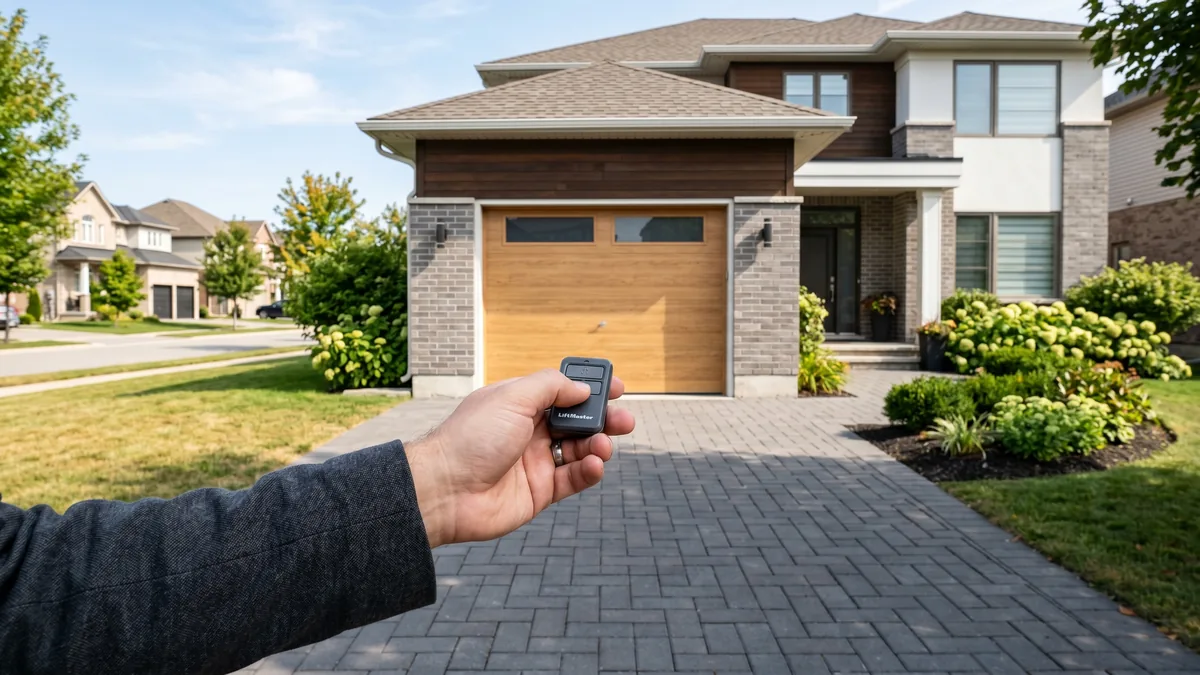
A garage door remote that works intermittently is almost always caused by a weakening battery, radio-frequency (RF) interference from a nearby LED bulb or electronic device, a damaged or coiled-up opener antenna, or operating at the edge of the remote’s range. Start by replacing the remote battery, remove any LED bulbs from the opener, make sure the antenna wire hangs straight down, and re-program the remote. Those four steps fix the large majority of "works sometimes" complaints.
What Does "Intermittent" Actually Mean Here?
An intermittent remote works on some presses but not others, or works from close range but not from your driveway, or works in warm weather but fails in winter cold. Unlike a remote that has stopped working entirely (usually a dead battery or de-programmed remote), an intermittent fault means the signal is reaching the opener most of the time — so you are dealing with a marginal signal, not a broken one. That distinction tells you where to look.
A garage door remote that fires nine times out of ten is one of the most frustrating — and most common — calls we field across Toronto and the GTA. The good news: it’s rarely a failed opener. In 15+ years of field work, I’d estimate four out of five intermittent-remote complaints come down to a weak battery or radio interference, and most homeowners can fix those in under ten minutes.
Why a Remote Works Sometimes But Not Always
Your remote is a tiny radio transmitter. It sends a short burst on a fixed frequency — usually 315 MHz or 390 MHz in North America — to a receiver built into the opener’s logic board. For the door to move, that burst has to arrive strong enough and clean enough for the receiver to decode the rolling code. "Intermittent" means the signal is winning that race only some of the time. Three variables decide each press:
- Transmit power — how strong a signal the remote sends, which falls as the battery drains.
- Noise on the channel — competing RF from LED bulbs, routers, chargers and other gadgets sitting on or near the same frequency.
- Reception sensitivity — how well the opener’s antenna and receiver pick the signal out of that noise.
Knock any one of those slightly off and you get a remote that works at the door but not from the street, or works at noon but not at 11 p.m. when your neighbour’s security camera kicks on. The fixes below walk through each variable from cheapest to most involved.
Battery, Range & the Remote Itself
1. Replace the battery (do this first)
A partially drained battery is the number-one cause of intermittent operation. It still has enough punch to trigger the door from two feet away, but not enough to push a clean signal from your driveway. Most visor remotes use a CR2032 coin cell; older keychain remotes often use a 23A / A23 12-volt battery. Swap in a fresh one before doing anything else. In the GTA this matters extra in winter — lithium and alkaline cells lose voltage in the cold, so a marginal battery that’s fine in July reliably fails in a −20°C January morning.
2. You’re at the edge of range
Stock garage remotes have an effective range of roughly 15–30 metres in clear conditions, but that shrinks fast through brick, metal siding, or a parked vehicle. If the door only responds when you’re close, you may simply be pressing too early. Test by walking steadily closer and noting the distance where it consistently works — if that distance is shrinking over weeks, it’s a battery or antenna issue, covered below.
3. A worn or cracked remote button
Remotes that live in a car door pocket or get dropped develop worn contact pads under the rubber button. The press sometimes makes contact and sometimes doesn’t. If pressing harder or at a certain angle helps, the button contact is the culprit and the remote should be replaced.
4. Re-program the remote
Rolling-code openers (LiftMaster Security+, Chamberlain, Genie Intellicode) re-sync a new code on every press. If the remote and opener drift out of sync — sometimes after a power surge or a dying battery — you get erratic behaviour. Clearing the opener’s memory and re-programming all remotes from scratch resolves it. Our step-by-step guide to programming a garage door opener remote covers LiftMaster, Chamberlain, and Genie.
RF Interference: The Hidden Culprit
If a fresh battery doesn’t fully fix the problem, interference is the next suspect — and it’s the cause most homeowners never think of. Cheap electronics radiate noise across the very band garage openers use, drowning out your remote’s weak burst.
5. LED and CFL light bulbs
This is the single most underrated cause. Many inexpensive LED and CFL bulbs — especially ones screwed into the opener’s own light sockets — emit RF noise that swamps the receiver inches away from the antenna. The tell-tale sign: the remote works fine until the opener light is on, or range collapsed right after you switched to LED bulbs. Fix: remove the bulb from the opener as a test. If range returns, replace it with an LED bulb rated for garage door openers (LiftMaster, Genie, and Feit sell certified versions).
6. Wi-Fi routers, smart hubs, cameras & EV chargers
Wi-Fi routers, mesh nodes, security cameras, baby monitors, Bluetooth devices, and Level 2 EV chargers can all leak RF near the opener frequency. EV chargers in particular have become a frequent trigger as more GTA garages add them. If a problem started right after you installed a new device, relocate it a few feet away from the opener and re-test.
7. External and "phantom" transmitters
Nearby radio towers, military installations, and even a neighbour’s broken transmitter stuck "on" can saturate the band. These are rarer but real. LiftMaster and Chamberlain document interference troubleshooting in detail; see their official troubleshooting resources for model-specific guidance. If interference is constant and area-wide, a technician can confirm it with a spectrum reading.
Antenna & Receiver Problems
8. The opener antenna is coiled, cut, or tucked away
Look at the motor head: a thin wire (usually 15–30 cm) should hang straight down from it. That wire is the receiving antenna. Over the years it gets coiled up, tucked into the housing, snipped during other repairs, or chewed by rodents — and reception drops to almost nothing, forcing you right up to the door. Fix: gently straighten the wire so it hangs fully extended and vertical, clear of metal. If it’s broken, a technician can replace or extend it. This one change often restores full range instantly.
9. A failing logic board or RF receiver
If the battery is fresh, all remotes are equally unreliable, the antenna is intact, and you’ve removed nearby interference — yet the wall button still works perfectly — the opener’s built-in RF receiver or logic board may be degrading. Heat, humidity, age, and power surges all take their toll. Some older openers (pre-2000) used a separate plug-in radio receiver that can be swapped on its own; most modern units integrate it into the logic board. This is where DIY ends. Our garage door opener repair service diagnoses board and receiver faults, and our logic board replacement guide explains what the repair involves.
Fast Diagnostic Chart
Match your exact symptom to the most likely cause and the first fix to try:
| Symptom | Most Likely Cause | First Fix |
|---|---|---|
| Works up close, fails from driveway | Weak battery or short antenna | New battery; straighten antenna wire |
| Worked in summer, fails in winter | Battery voltage drops in cold | Fresh lithium battery |
| Fails only when opener light is on | RF-noisy LED/CFL bulb | Remove bulb; use opener-rated LED |
| All remotes flaky, wall button fine | Antenna or receiver/logic board | Straighten antenna; if no change, service call |
| One remote flaky, others fine | That remote (battery/button/sync) | New battery, then re-program |
| Started after new gadget/EV charger | RF interference | Move device away from opener |
| Random behaviour, erratic codes | Rolling code out of sync | Clear opener memory, re-program all remotes |
When to DIY and When to Call a Technician
Use this order of operations — it mirrors how our techs triage an intermittent-remote call over the phone:
- Replace the battery (CR2032 or 23A). Fixes the majority of cases.
- Remove any bulb in the opener and re-test. Swap to an opener-rated LED.
- Straighten the antenna wire so it hangs free and vertical.
- Re-program the remote to clear any rolling-code drift.
- Test a second remote and the keypad to isolate remote vs. opener.
- Move new electronics away from the opener if the timing matches.
If you’ve worked through all six and the door is still unreliable, the opener’s receiver or logic board is the likely cause — that’s a professional diagnosis. If the opener is more than 12–15 years old, repeated electronics faults often signal it’s near end of life, and a new opener or door system may be the better value. A modern smart opener (from $760 installed) also adds reliable Wi-Fi control as a bonus.
Royal Garage Doors serves the entire GTA, from Mississauga to Toronto and beyond. Every diagnostic is a FREE service call when paired with a repair — you can also see our full transparent pricing or book online.
Remote Still Unreliable After Every Fix?
If a fresh battery, a clear antenna, and re-programming don’t solve it, the opener’s receiver or logic board likely needs attention. Royal Garage Doors provides FREE service calls with any repair across Toronto & the GTA — same-day available.
Call 437-265-9995